Fixing Git Clone Error: RPC Failed, HTTP/2 Stream Cancelled

In this post, I’ll show you how to fix the frustrating RPC failed; curl 92 HTTP/2 stream 0 was not closed cleanly: CANCEL (err 8) error that can occur when cloning large Git repositories. If you've encountered this error, you're not alone! Let's dive into the causes and solutions.
Introduction
The other day, I was trying to clone my GitHub repository, but I ran into a frustrating error.
If you’ve ever seen something like this, you know how annoying it feels:
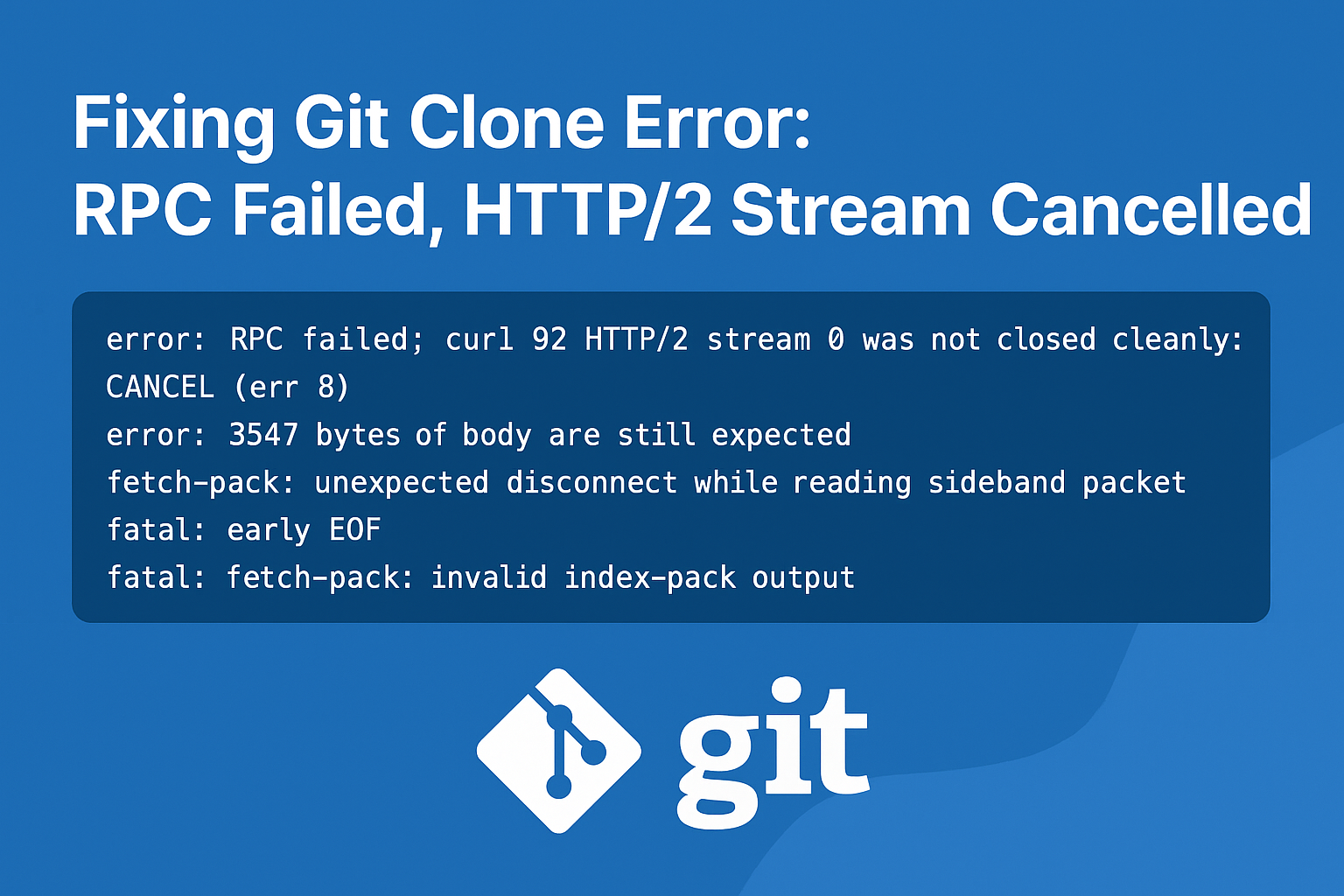
error: RPC failed; curl 92 HTTP/2 stream 0 was not closed cleanly: CANCEL (err 8)
error: 3547 bytes of body are still expected
fetch-pack: unexpected disconnect while reading sideband packet
fatal: early EOF
fatal: fetch-pack: invalid index-pack output
At first, I thought something was wrong with my Git setup. But after digging in, I realized the problem was with large repository size, network limits, and Git’s default settings.
In this blog, I’ll break down why this happens and the step-by-step solutions I tried to fix it.
Why This Error Happens
This error usually shows up when:
- Your repository is very large (hundreds of MBs or more).
- Git’s default HTTP buffer size is too small.
- The repo has too many objects (commits, files, branches, blobs).
- Network interruptions cause Git to cancel the fetch.
Basically, Git starts downloading your repo, but before finishing, the connection breaks — and Git doesn’t know what to do with the incomplete data.
Solutions That Worked
Here are the methods I tried to fix it:
1. Increase Git Buffer Size
Git’s default HTTP buffer is small. Let’s make it bigger:
git config --global http.postBuffer 524288000
git config --global http.maxRequests 100
git config --global http.version HTTP/1.1
This allows Git to handle bigger repositories without choking.
2. Use a Shallow Clone (Fastest Fix)
If you only need the latest commit (not the full history):
git clone --depth=1 https://github.com/ajay-dhangar/ajay-dhangar.github.io.git
👉 This grabs the newest version quickly. If you later need full history:
cd ajay-dhangar.github.io
git fetch --unshallow
This way, you start small and expand as needed.
3. Clone Only One Branch
If the repo has multiple branches, but you just want main:
git clone --single-branch --branch main https://github.com/ajay-dhangar/ajay-dhangar.github.io.git
This avoids fetching unnecessary data.
4. Switch to SSH
Sometimes HTTPS causes issues. If you have SSH keys set up:
git clone git@github.com:ajay-dhangar/ajay-dhangar.github.io.git
This is often more reliable for big repos.
5. Sparse Checkout (Download Only What You Need)
If you don’t need the whole repo, just a folder:
git clone --filter=blob:none https://github.com/ajay-dhangar/ajay-dhangar.github.io.git
cd ajay-dhangar.github.io
git sparse-checkout init --cone
git sparse-checkout set <folder-you-need>
This keeps your local clone lightweight.
6. Use Git LFS for Large Files
If your repo has big media files, install Git LFS:
git lfs install
git lfs clone https://github.com/ajay-dhangar/ajay-dhangar.github.io.git
This prevents huge files from breaking your clone process.
Final Takeaway
If you’re facing the RPC failed; curl 92 HTTP/2 error:
- Start with
--depth=1(quickest fix). - If you need full history, increase the buffer size.
- For big repos with assets, use Git LFS or sparse checkout.
These tricks saved me hours of frustration, and I hope they help you too.