How to Fix 'fatal: bad object refs/remotes/origin/main' in Git

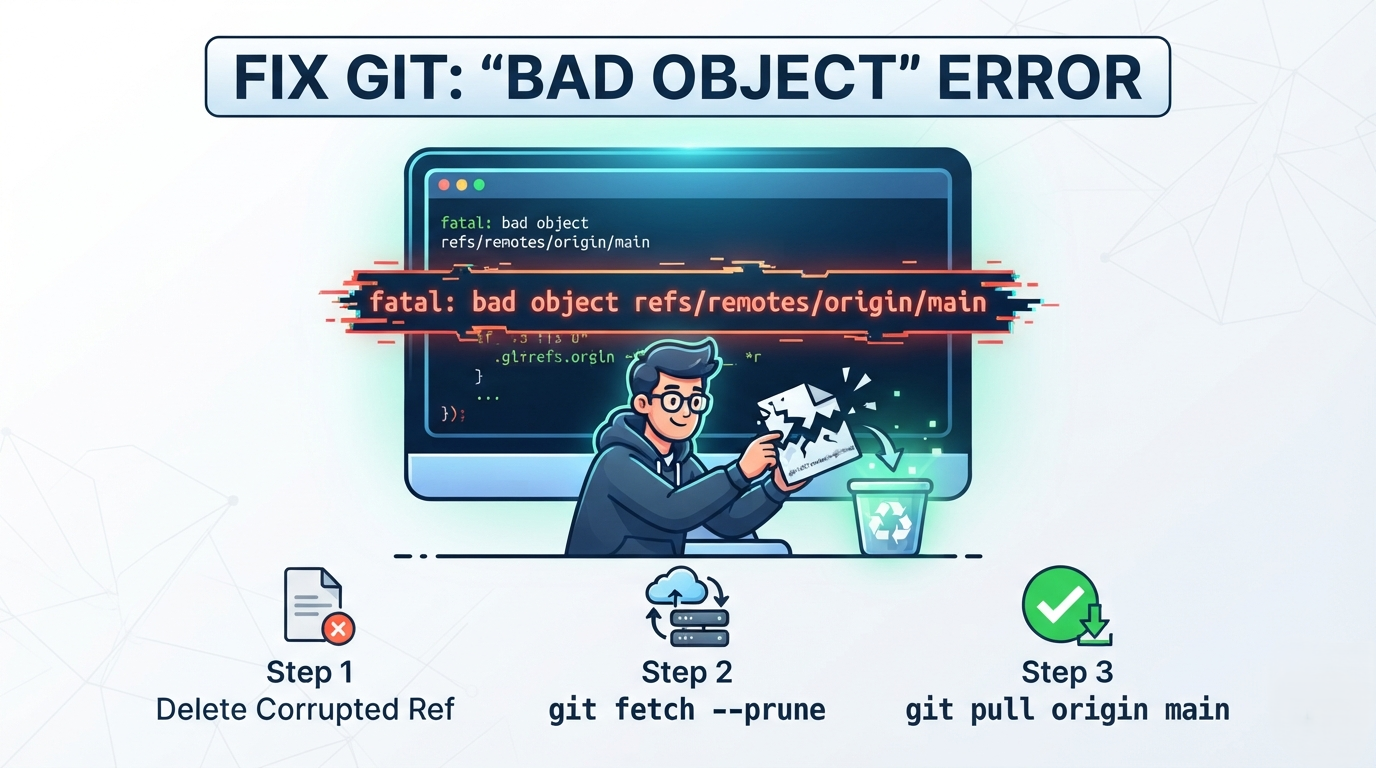
Have you ever tried pulling the latest changes from GitHub or GitLab, only to be hit with a wall of mysterious errors like fatal: bad object refs/remotes/origin/main? Here is how to fix it in 4 simple steps.
PS F:\Organizations\algo> git pull origin main
remote: Enumerating objects: 706, done.
remote: Counting objects: 100% (375/375), done.
...
fatal: bad object refs/remotes/origin/main
error: https://github.com/ajay-dhangar/algo.git did not send all necessary objects
If this happened to you, don't worry! Your project code is completely safe. This error looks terrifying, but it is actually a common local tracking corruption issue with a simple fix.
What Does This Error Mean?
When you run git pull, Git does two things:
- Fetches new objects from the remote repository.
- Merges those changes into your local branch.
Behind the scenes, Git uses a reference file at .git/refs/remotes/origin/main as a pointer to keep track of where the remote branch stands.
If your network connection drops mid-download, or if a terminal process is interrupted, Git can write an incomplete or corrupted object hash into this reference file. When Git attempts to read that broken pointer during your next git pull, it panics and throws fatal: bad object.
Step-by-Step Fix
To resolve this, we need to remove the corrupted reference pointer, prune incomplete loose objects, and re-fetch a clean snapshot.
Step 1: Remove the Corrupted Pointer
Delete the broken reference pointer so Git can recreate it from scratch:
- powershell
- bash
Remove-Item -Force .git/refs/remotes/origin/main
rm .git/refs/remotes/origin/main
If your terminal returns "File not found", don't worry! It simply means the reference was stored inside a packed refs archive instead. Proceed directly to Step 2.
Step 2: Clean Up Unreferenced Objects
Purge any expired reflogs and loose, dangling objects that failed during the bad pull:
git reflog expire --expire=now --all
git prune --expire=now
git pack-refs --all --prune
Step 3: Fetch Fresh References
Fetch clean references from the remote server:
git fetch origin main --prune
Now force your local tracking pointer to link with the newly fetched commit:
git update-ref refs/remotes/origin/main FETCH_HEAD
Step 4: Resume Your Pull
Your Git workspace reference tree is now repaired! Run your pull command again:
git pull origin main
Your local repository should now fetch and merge cleanly without any bad object errors.
Summary Cheat Sheet
| Step | Goal | Command |
|---|---|---|
| 1 | Delete bad pointer | Remove-Item -Force .git/refs/remotes/origin/main |
| 2 | Prune loose objects | git reflog expire --expire=now --all && git prune --expire=now |
| 3 | Fetch clean state | git fetch origin main --prune |
| 4 | Finish update | git pull origin main |